
Changelog

Follow new updates and improvements to Cal Track.

Steps Progress Is Here
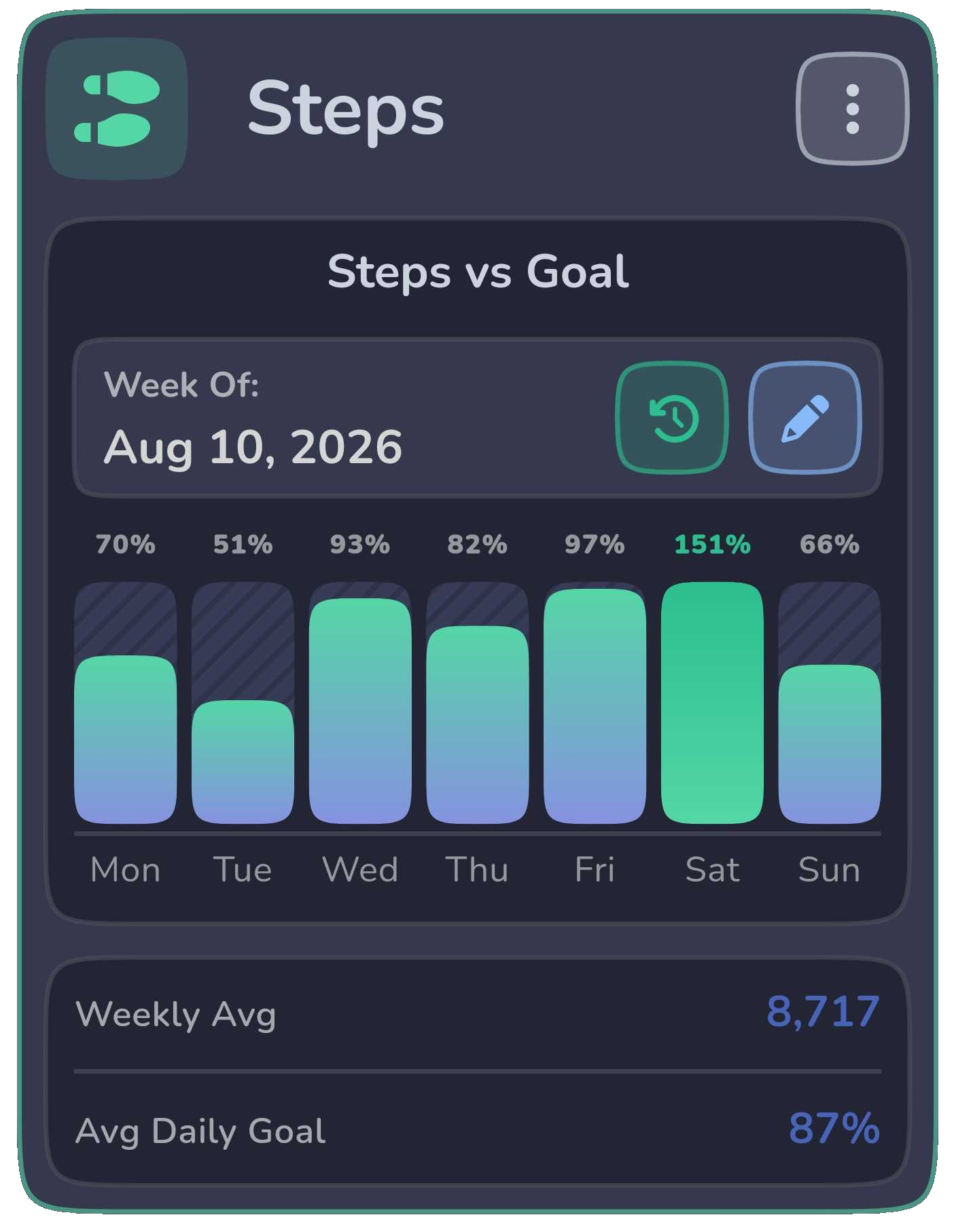
Premium users can now track Steps Progress alongside Nutrition, Weight, Activity, and Water.

New step charts make it easier to see how your daily movement is trending, including Steps vs Goal, Average Steps, and Step Goal Hit Rate.

Steps Progress uses step data imported through Apple Health or Health Connect, giving you a clearer picture of how consistently you’re reaching your movement goals over time.
New

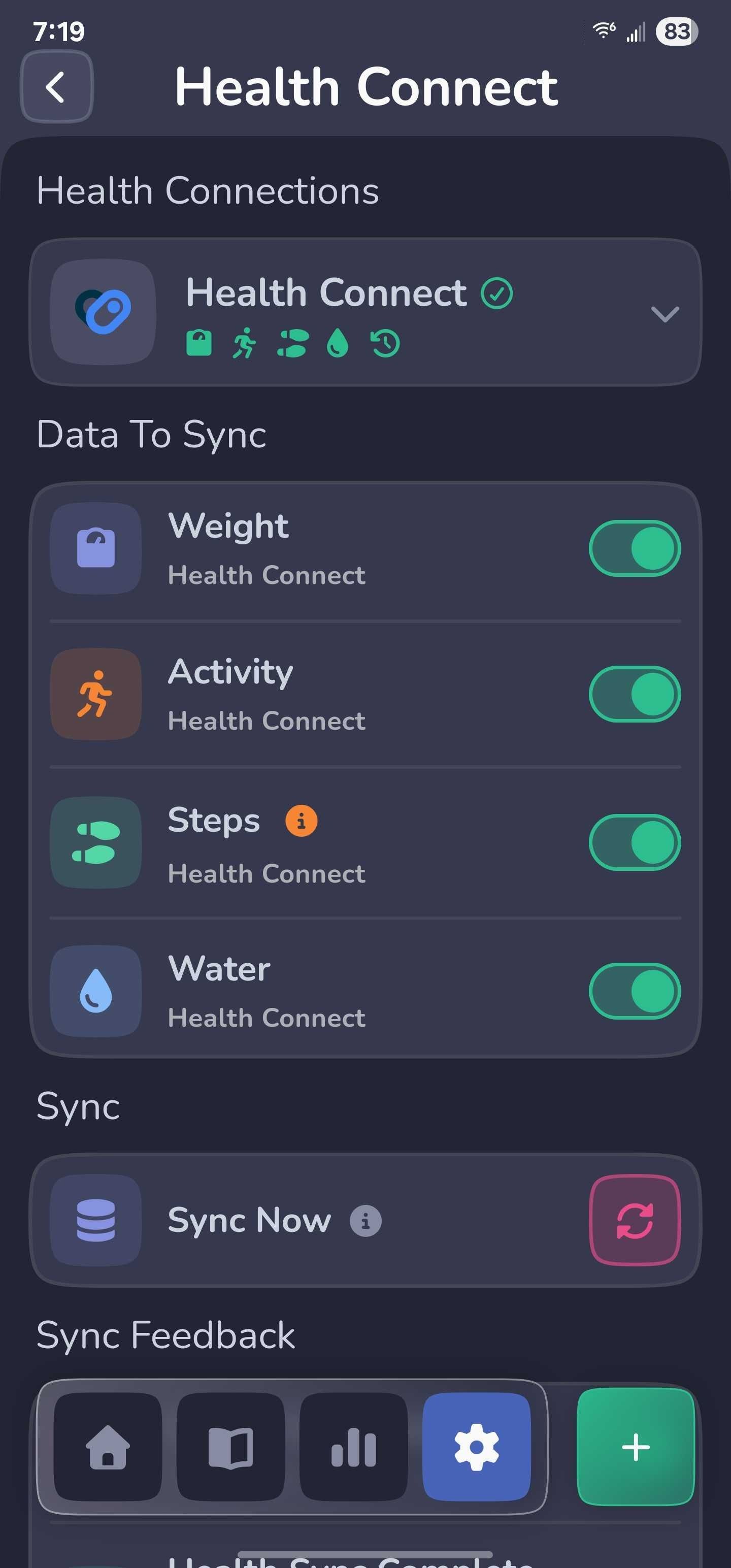
Connect Cal Track with Apple Health & Health Connect

Cal Track can now connect with Apple Health on iOS and Health Connect on Android.

You can import supported health data such as weight and activity information into Cal Track, making it easier to keep your progress up to date without entering everything manually.

Health syncing is user-controlled, and imported entries are kept separate from your manually logged data.

New

Introducing the Progress Hub

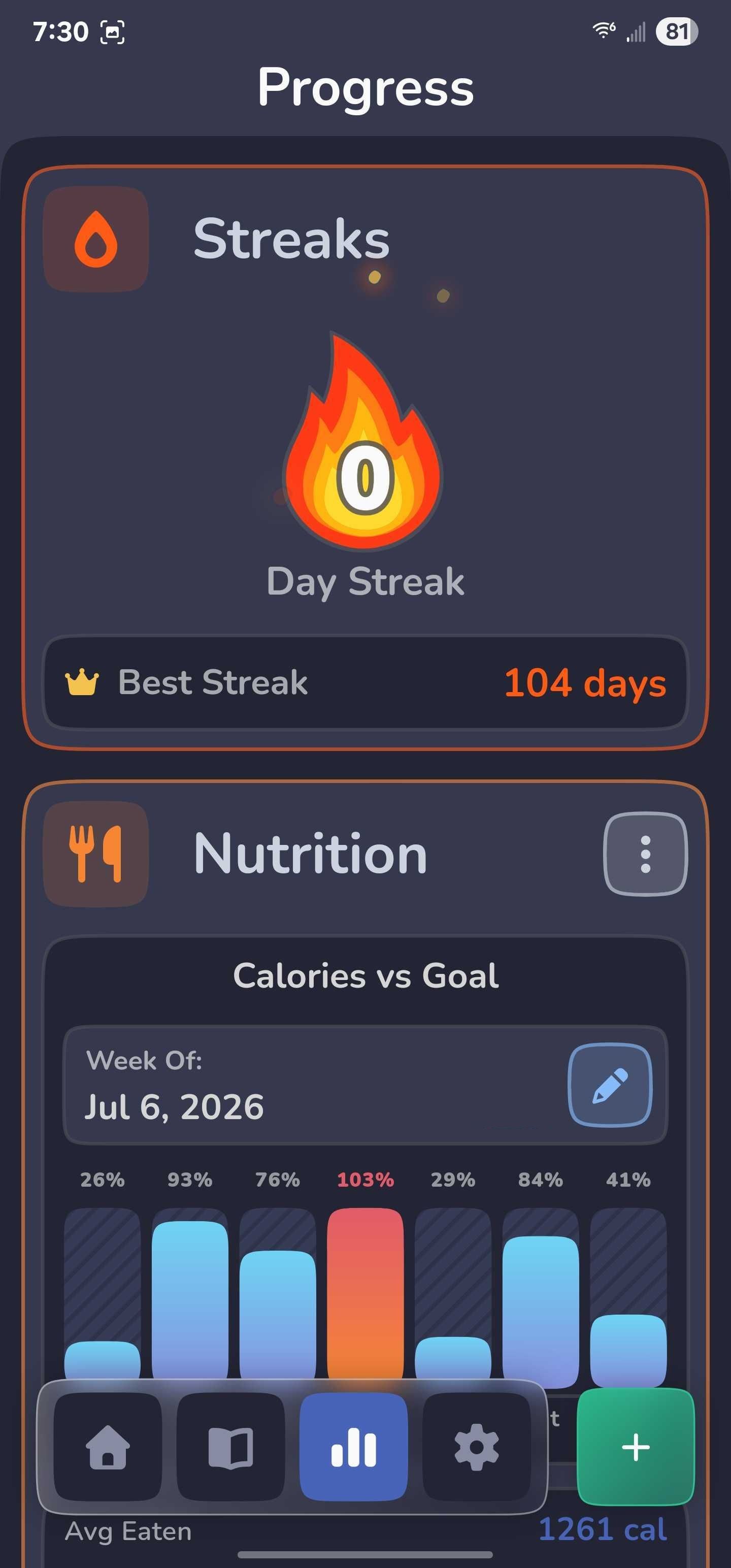
Premium users now have a dedicated Progress Hub for seeing how their tracking is trending over time.

The new Progress experience brings together Nutrition, Weight, Activity, and Water insights in one place, along with consistency streaks that help show how regularly you’ve been tracking.

Each tracker includes detailed charts and trends, and you can customize the Progress Hub by reordering cards and choosing which chart appears for each tracker.

Progress charts also support multiple date ranges, interactive data points, and goal comparisons where applicable, making it easier to spot patterns and see how your habits are changing over time.

New

Earlier updates